AI visualizer for contractors — Let homeowners see their project before they call.
The AI Backyard Visualizer is a tool that lives on a contractor’s website. A homeowner uploads a photo of their own yard, and it renders that same yard with the pool, patio or landscape designed in — in seconds, with no app and no account.
Built into your website. A homeowner uploads a photo of their own yard, sees the design on it, and sends you the quote request.
See your project before you build it.
Step 1 of 4: choose what you are planning.
What are you planning?
Choose a project, then upload a photo or start from a sample.
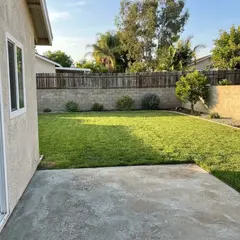
Pool & Spa
Shape, finish, lighting and spa
ADU & Additions
Backyard ADUs, garage conversions and additions
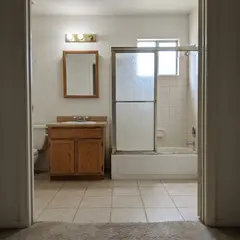
Bathroom Remodel
Showers, tubs, vanities and tile
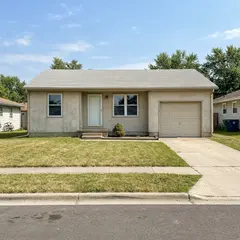
Landscape & Hardscape
Patios, plantings, fire pits and lawn
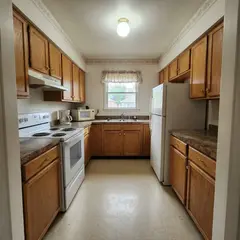
Remodel
Kitchens, living spaces and exteriors
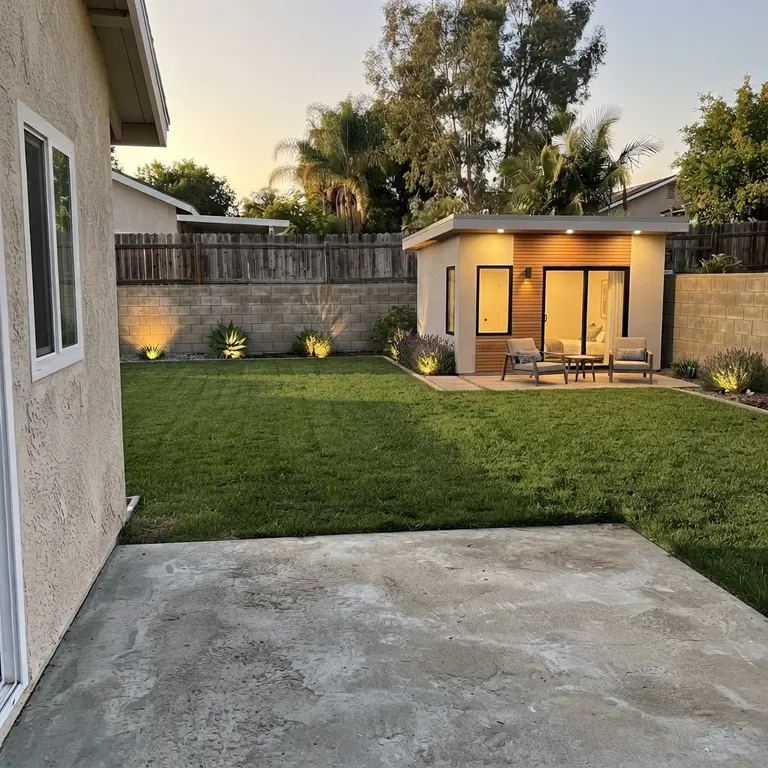
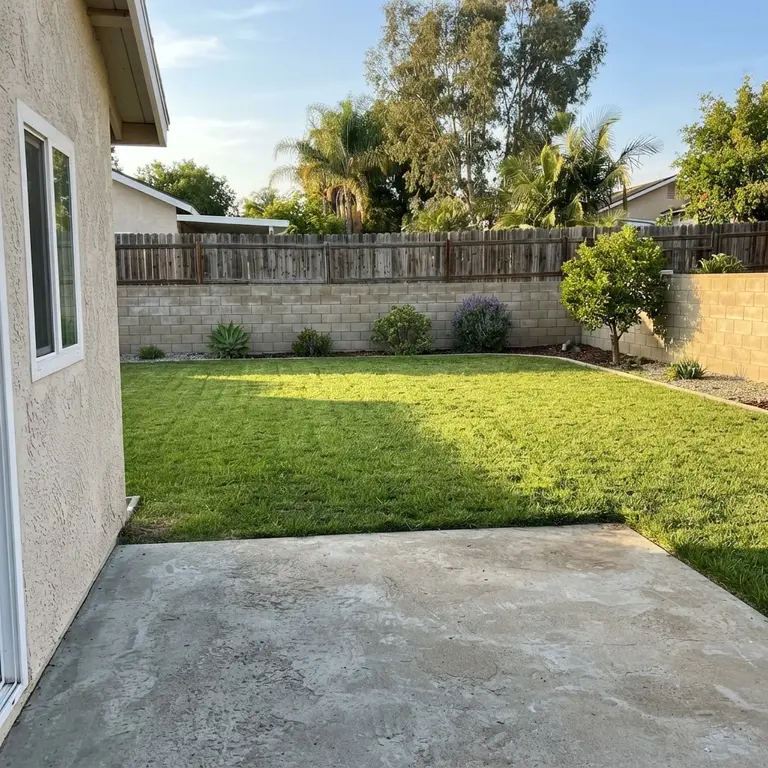

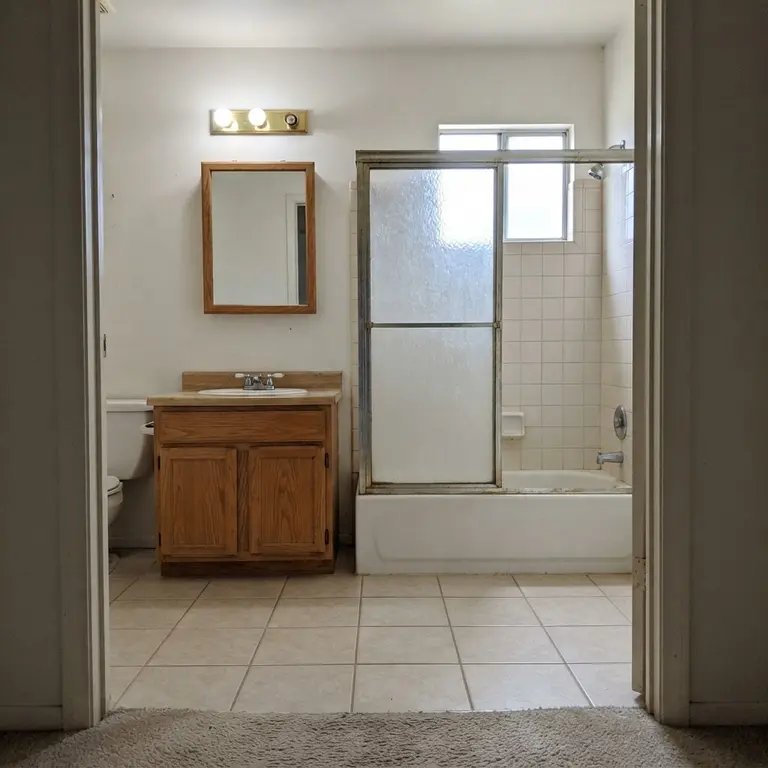
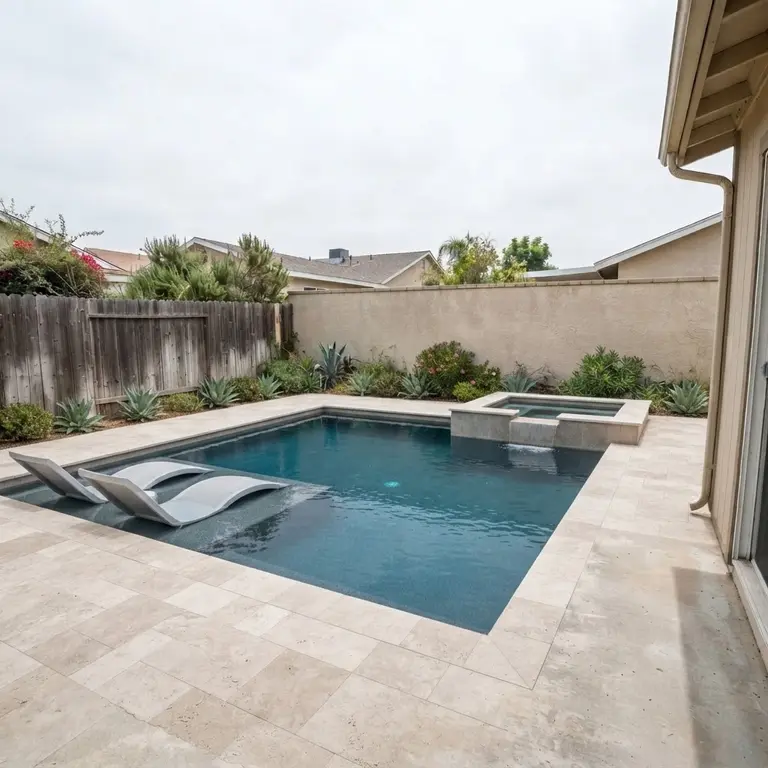
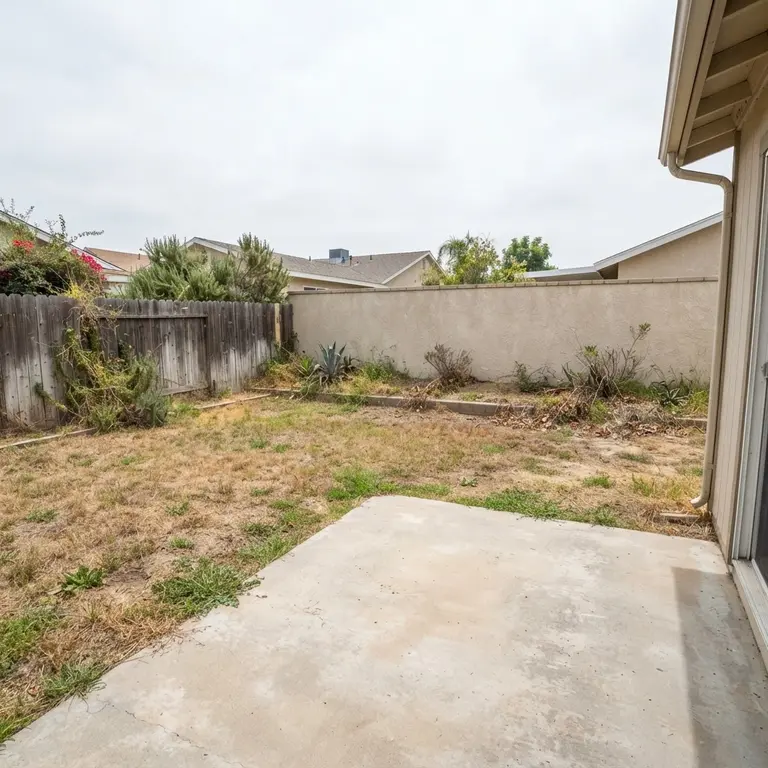
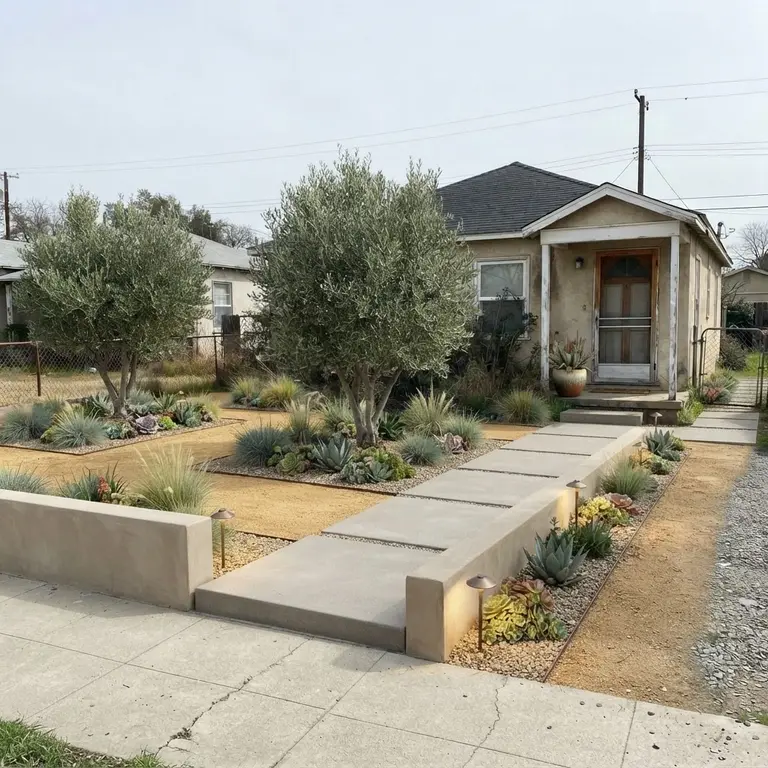
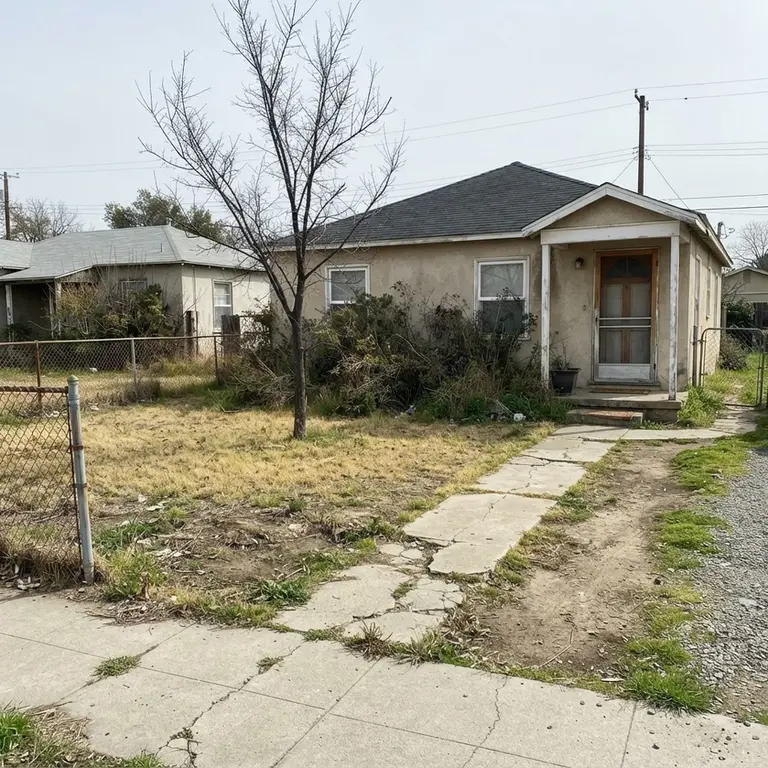
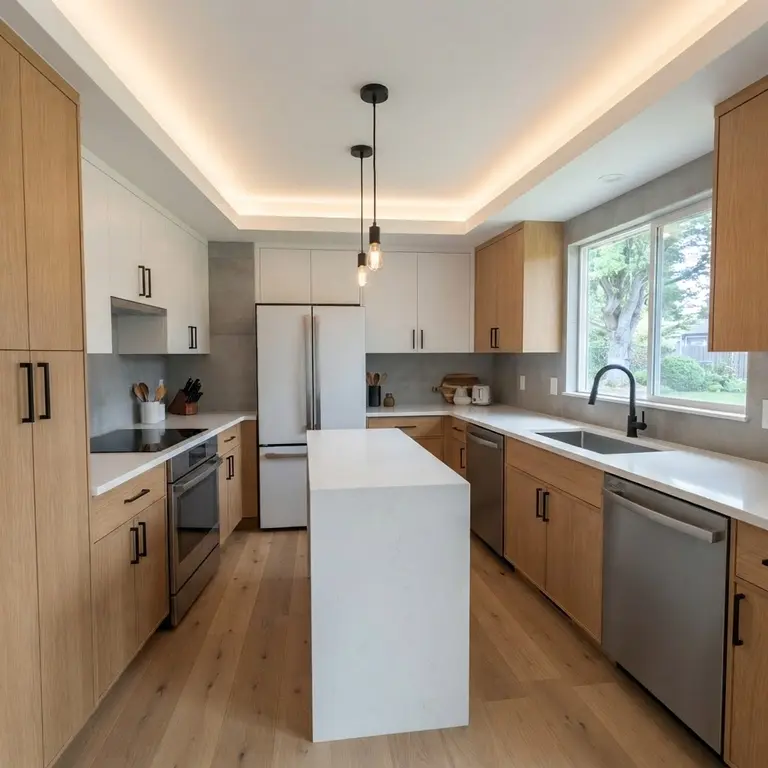
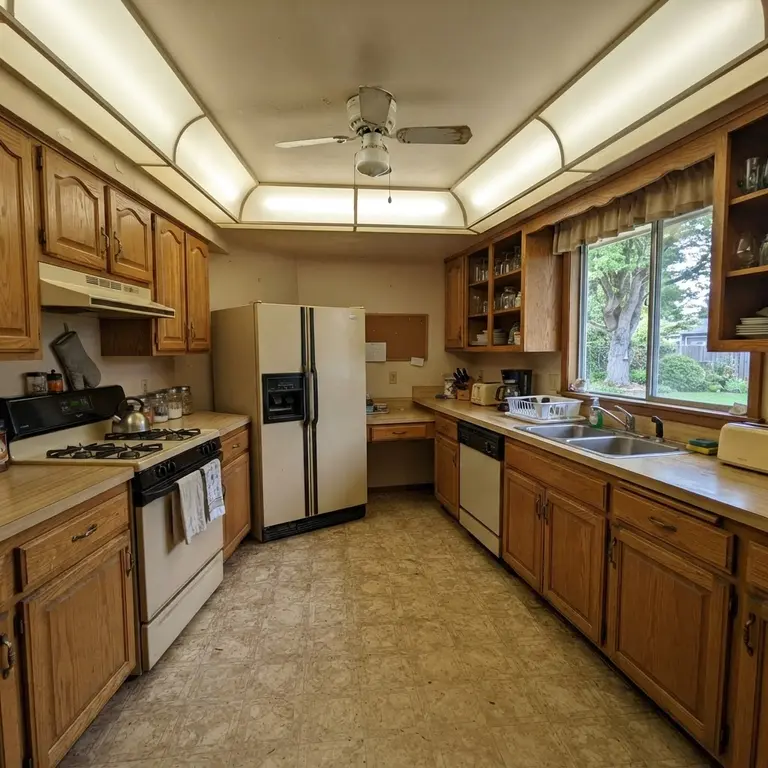
Visualizer renders are AI concepts for inspiration only.
How the AI backyard visualizer works
The tool lives on your website as a normal page, so homeowners reach it the same way they reach your gallery or your quote form. There is nothing for them to download and nothing for you to run.
Step 1
A homeowner uploads a photo of their yard
Right on your website, straight from their phone. No app to install, no account to create, and no waiting on a callback. They choose the style they are considering from the options you offer.
Step 2
The AI generates a rendering of the project
Pool, patio, deck, fence, or full landscape — rendered in the style they picked, built from their own photo rather than a generic showroom image.
Step 3
They compare before and after, then ask for a quote
The before/after comparison is the moment the project stops being abstract. The quote request that follows lands in your pipeline with their details and the photo attached.
Once a request comes in, it is a lead like any other — managed and followed up rather than left sitting in an inbox.
Every concept leaves as an ad for your business.
Homeowners send their concept to a spouse, a parent, a neighbor. When they share or download it, it goes out as a branded card: their before photo, the finished concept, and everything someone needs to call you.
- Your logo, your colors and your tagline across the top
- Your phone number and booking link, printed on every card
- A QR code that opens your booking page
- Your Facebook, LinkedIn and Google profiles along the bottom
- Feed, Story and Square sizes, shared or downloaded in one tap
The card shown here is ForgeWeb-1’s own. On your site, every field carries your brand instead.
Who the visualizer is for
It is built for contractors whose customers are trying to imagine a finished result — which means it fits outdoor and home-service trades far better than it fits a shop or a law office. We currently build it for these trades:
If you are in a different trade and your customers make decisions visually, ask — it may still be a fit.
Why it wins estimates
None of this is about a clever effect. It is about removing the part of an outdoor project a homeowner cannot do on their own — picture it.
The homeowner stops guessing
A pool, a patio or a planting plan is hard to picture from a written proposal. Showing the design on their own yard replaces "I think I can see it" with something they are actually looking at.
They engage before you drive out
A homeowner who has uploaded a photo and picked a style has already invested a few minutes in you. That conversation starts warmer than a form fill, and you know what they were picturing before you arrive.
The estimate is anchored to a picture
When the proposal matches an image they already liked, the conversation is about how to build it rather than whether they want it — which is a better place to be negotiating from.
Built for a real pool builder
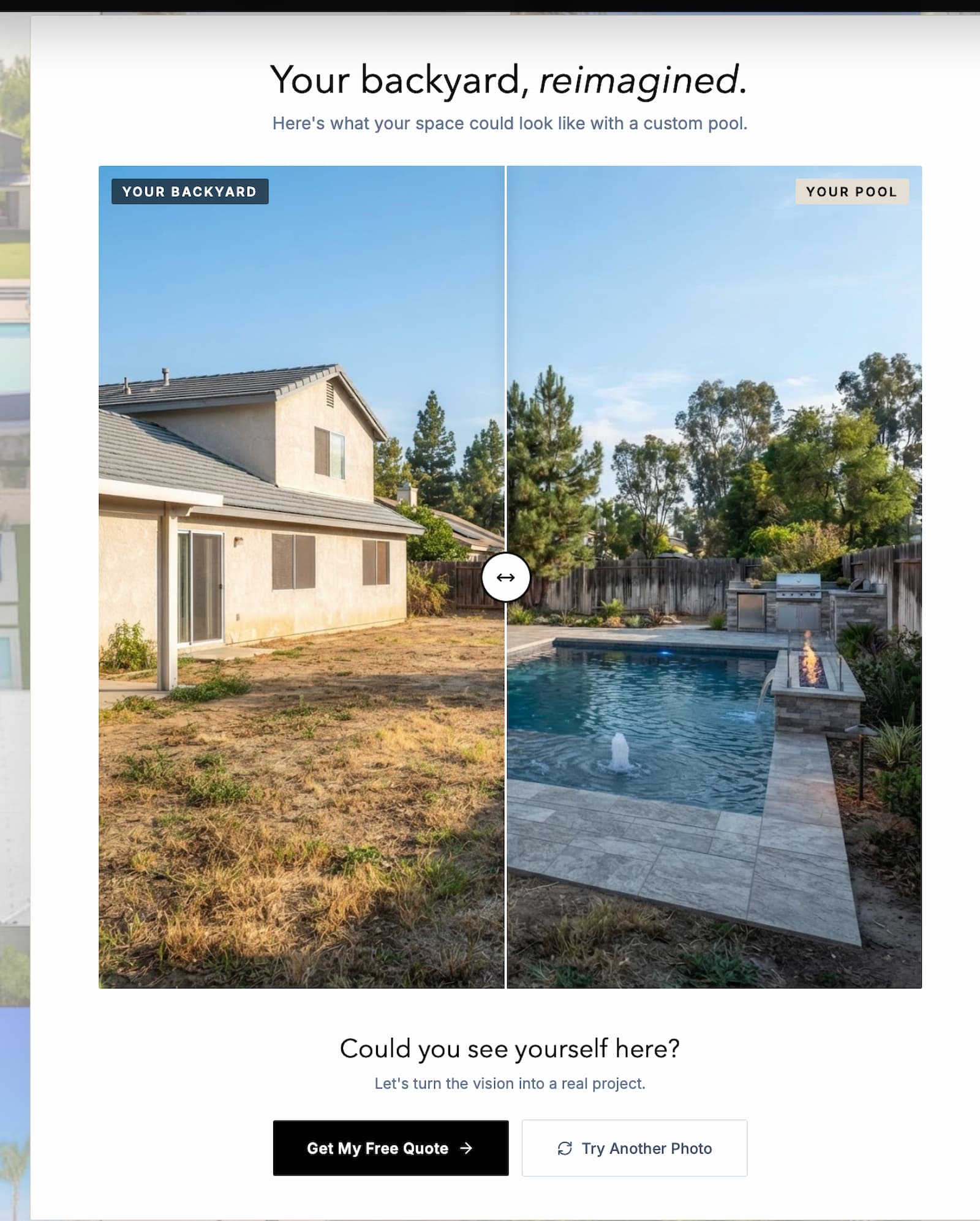
Coastline — Pools & Construction is a premium Orange County pool builder. Their site runs this exact tool: a homeowner photographs their yard, picks a pool style, and sees the concept before anyone picks up the phone.
The comparison above is the tool's own output on a real photo — not a stock pair.
Read the Coastline case studyWhat it costs
Setup: from $1,500, one-time — added to a Full Site or Site+System build, or installed on the website you already have.
Monthly service: $50/month, required with a ForgeWeb build. It covers AI image-generation costs and ongoing upkeep, and billing begins the month the tool goes live.
Already have a website? We install the visualizer on it for $1,500 one-time, with no monthly fee. It includes 100 renders a month; heavier use moves to the $50/month service.
Weighing other pool tools? See AI pool visualizers compared.
- AI image generation for every homeowner upload
- Hosting and upkeep of the tool itself
Every rendering is an AI concept for inspiration only — not a design, an engineering plan or a quote. The final design, materials and pricing are set after a consultation.
What happens to customer photos
Customer photos are used only to generate their rendering and quote and are stored securely. They are never sold, never used for advertising, and never shared with other businesses.
Read the full detail in our privacy policy and terms.
Common questions
What is an AI backyard visualizer?
A tool on your website where homeowners upload a photo of their yard and see an AI-generated rendering of a pool, patio, or landscape, then request a quote.
How much does it cost?
Setup is $1,500 one-time. With a Full Site or Site+System build, a required $50/month service plan covers AI image generation, hosting and upkeep. Installed on the website you already have, it is $1,500 one-time with no monthly fee, and includes 100 renders a month; heavier use moves to the $50/month service.
Why is there a monthly fee?
Each render has a real AI cost, and the fee also covers hosting and upkeep of the tool.
Are the renderings guaranteed to match the final project?
No. They are concept visuals to help homeowners picture the result.
What happens to customer photos?
They are used only to generate the rendering and quote and are stored securely.
How long does a website take?
Typically 1-2 weeks.
Get Started
Put the visualizer on my site
Tell us what you build and where you work. We will confirm whether the visualizer fits and what it would cost on your build.