Free · no signup
See your project before you build it.
One photo of your yard. Fifteen seconds later, see the finished project in your own space — the pool, the planting, the outdoor kitchen — before you spend a dollar.
Nothing to install, no account and no card. Works on your phone.
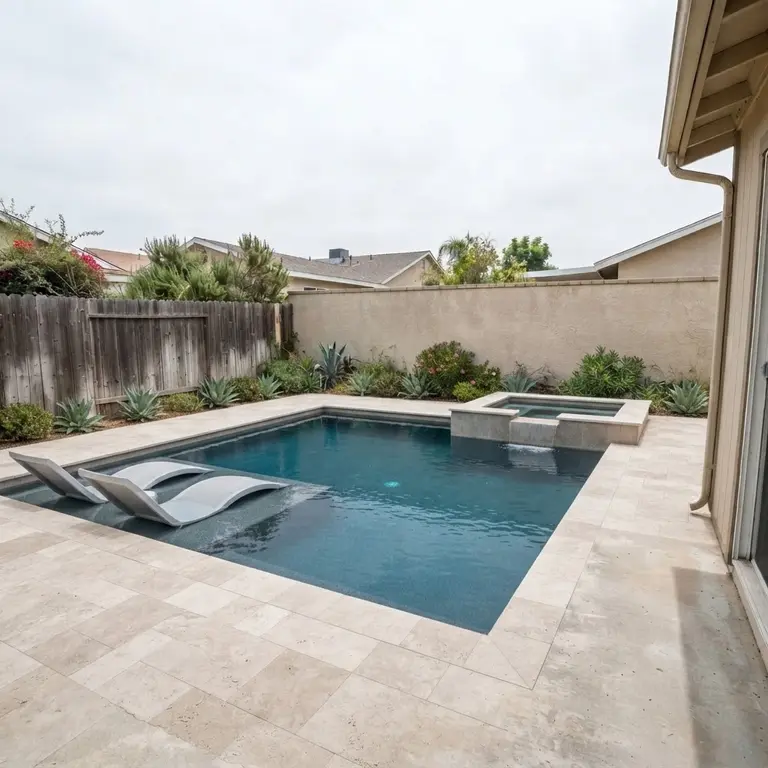
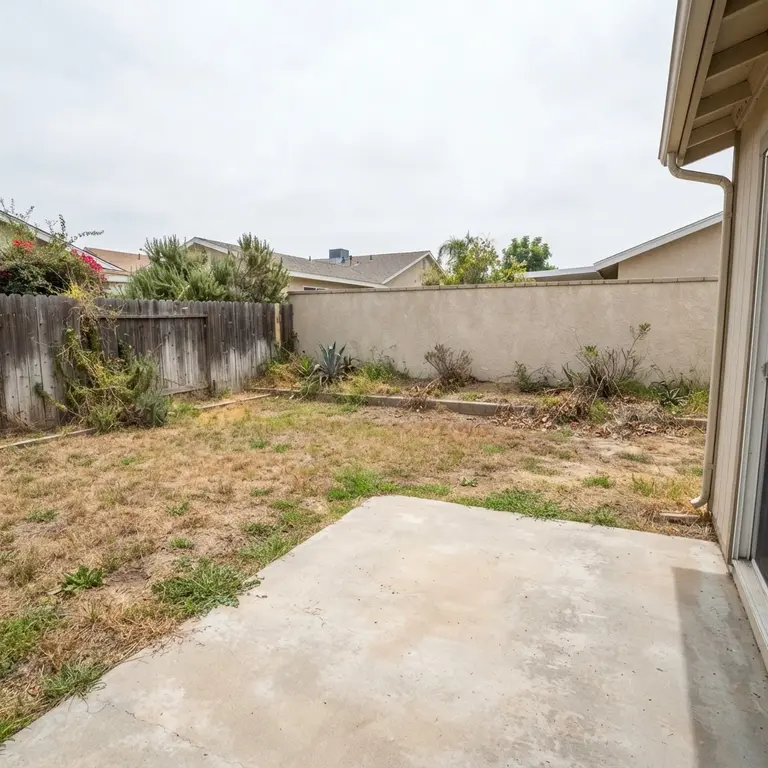
Try it now
Nothing to hand over and nothing to sign up for. Pick a space like yours and the tool opens with that photo already loaded — or bring your own below.
See your project before you build it.
Step 1 of 4: choose what you are planning.
What are you planning?
Choose a project, then upload a photo or start from a sample.
Pool & Spa
Shape, finish, lighting and spa
ADU & Additions
Backyard ADUs, garage conversions and additions
Bathroom Remodel
Showers, tubs, vanities and tile
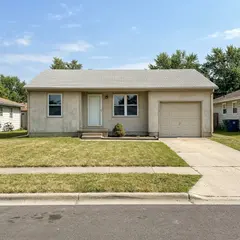
Landscape & Hardscape
Patios, plantings, fire pits and lawn
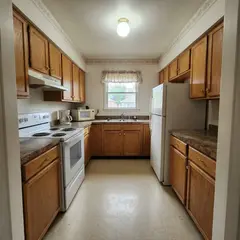
Remodel
Kitchens, living spaces and exteriors
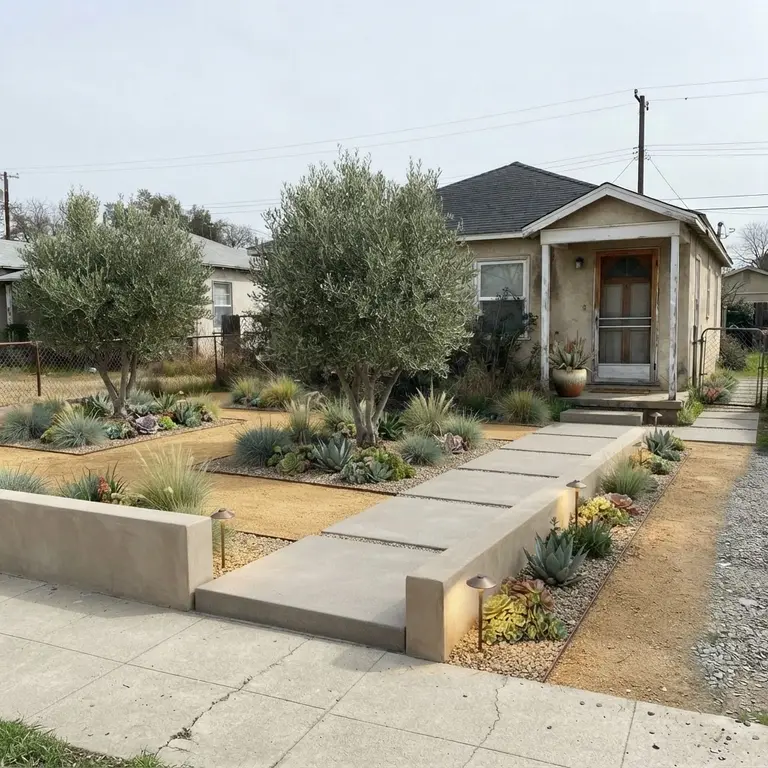
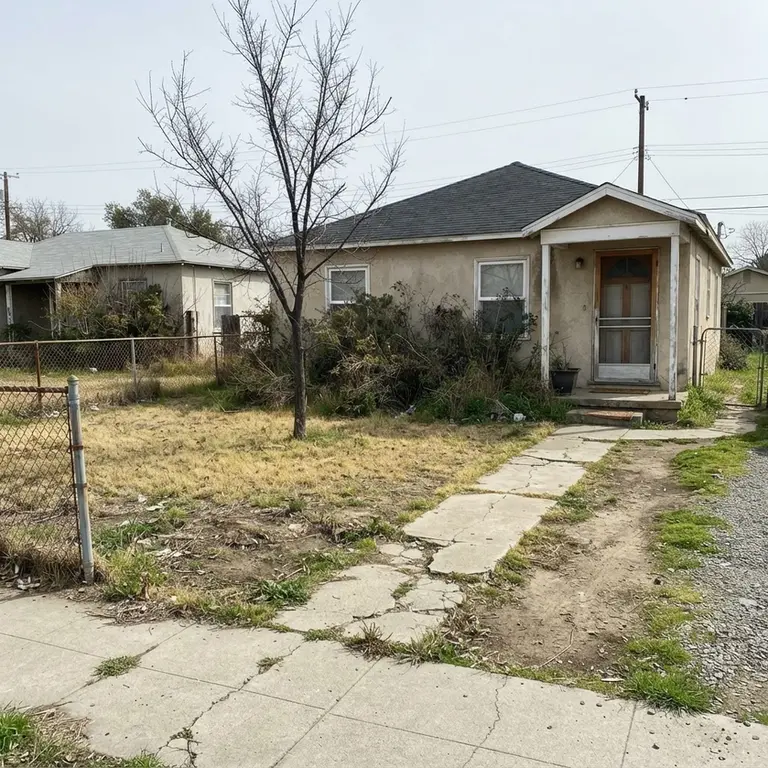
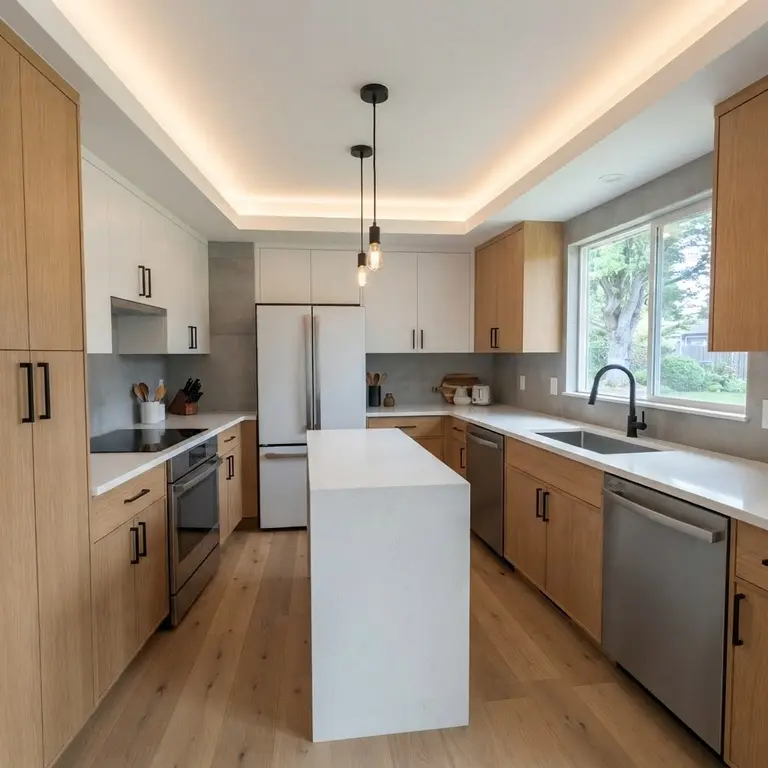
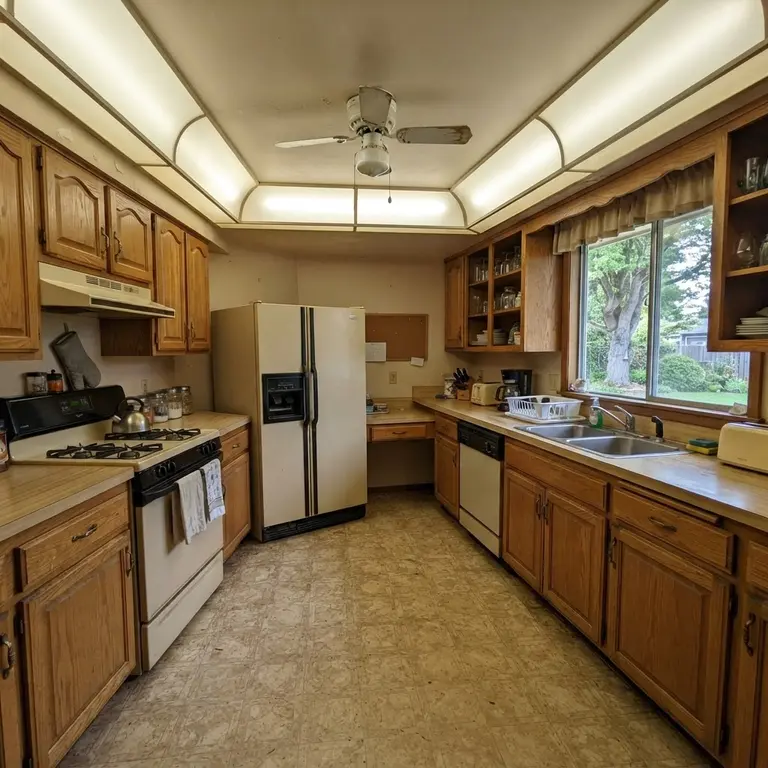
Visualizer renders are AI concepts for inspiration only.
Pick the project you are actually planning
The tool carries every option each trade needs — the pool shape and finish, the planting palette, the countertop material. Start with the one you are thinking about.
Pool & Spa
Pools, spas, water features and the decking around them. See the shape, the water colour and the finish in your own yard before anything is dug.
How it works
Three steps, about a minute of your time, and no appointment needed to see the first concept.
- Step 1
Take a photo of your space
Your phone is enough. Stand back and get as much of the yard or room in frame as you can — the same photo you would text to a friend.
- Step 2
Pick the look you want
Choose the style, the shape, the finish, the features. Change any of it and render again — there is nothing to fill in and nothing to sign up for.
- Step 3
See it, then decide
You get a before-and-after you can drag, download and show to whoever you like. If you want it built, ask for a consultation and we take it from there.
See your own yard with the project in it
One photo, about fifteen seconds, and you will know whether the idea in your head is the one you actually want to build.
AI concept image for inspiration only. Final design, materials, pricing, and permitting are determined after consultation.
Common questions
Is it free?
Yes. Upload a photo, get your concept, and compare it with your space as many times as you like — no account and no card. You only pay if you decide to build.
How accurate is it?
It is a concept, not a construction drawing. It shows you the style, layout and feeling of the finished project so you can react to something real. Final design, materials, engineering and permitting are worked out with a consultation.
How long does it take?
Most concepts render in about 15 seconds. You can change the style or the features and generate again as often as you want.
Do I need to install anything?
No. It runs in your browser, on your phone or your computer. Nothing to download and no appointment to book.
What happens to my photo?
It is used only to create your concept and is stored securely. It is never sold and never shared with other businesses.
Can I show the concept to someone else?
Yes. Download the image or share the link, so you can put it in front of your family or your contractor before anything is built.